

Govee Envisual TV LED Backlight T2 with Dual Cameras, 11.8ft RGBIC Wi-Fi LED Strip Lights for 55-65 inch TVs, Double Strip Light Beads, for Home Decorations, Smart App Control, Music Sync
$9.99
Related Products


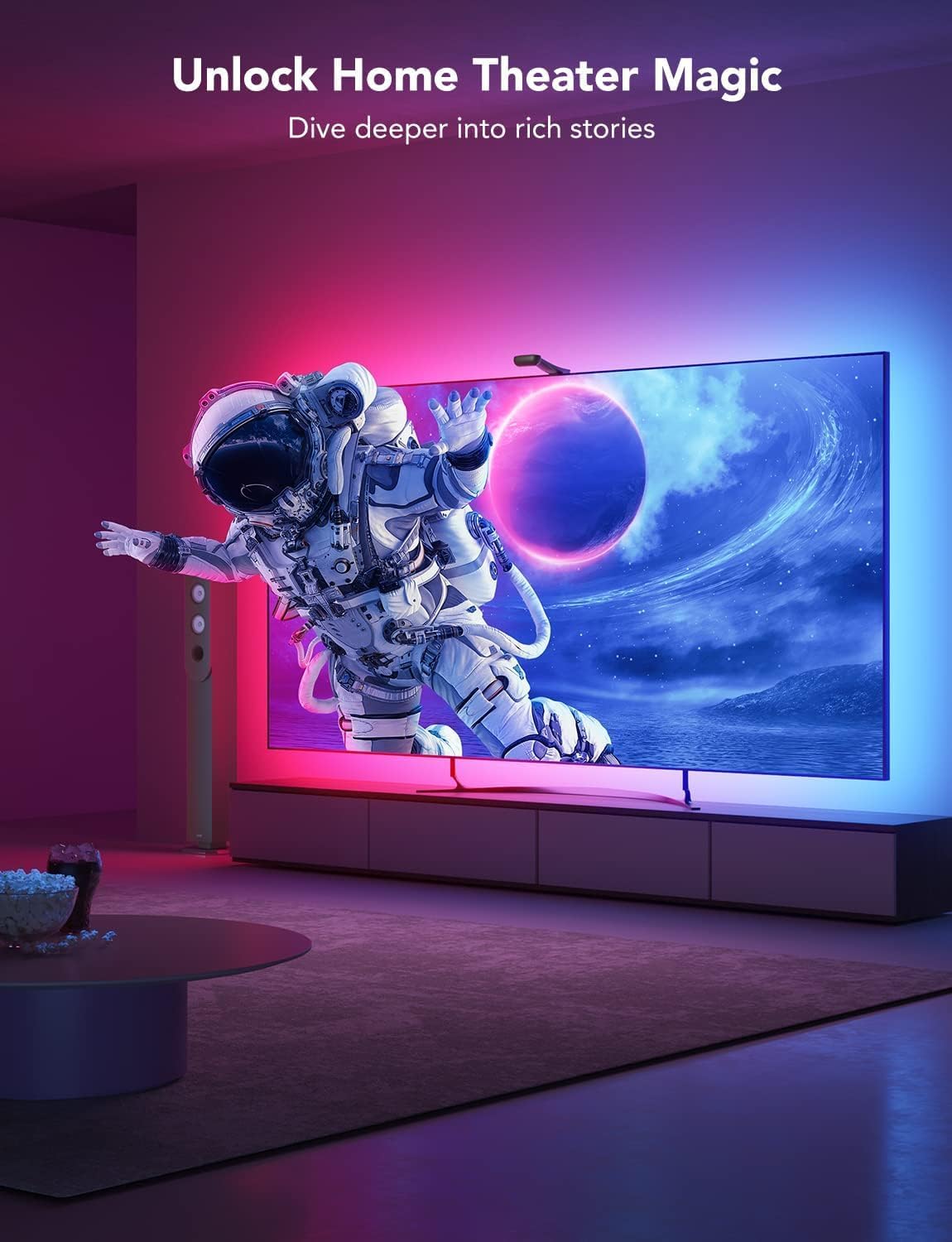

Product description


1 Govee Envisual
2 Dual-Camera Design
3 Corner Color-match
4 Compatibility
5 Saturation Adjustment
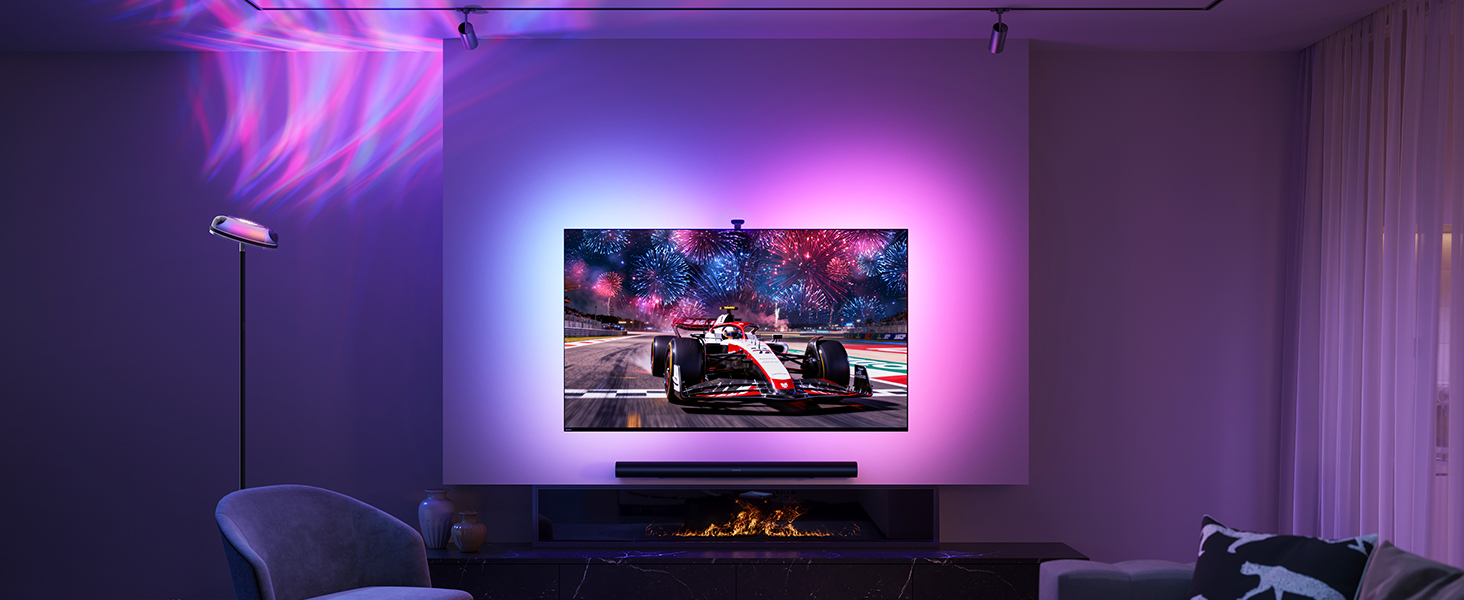
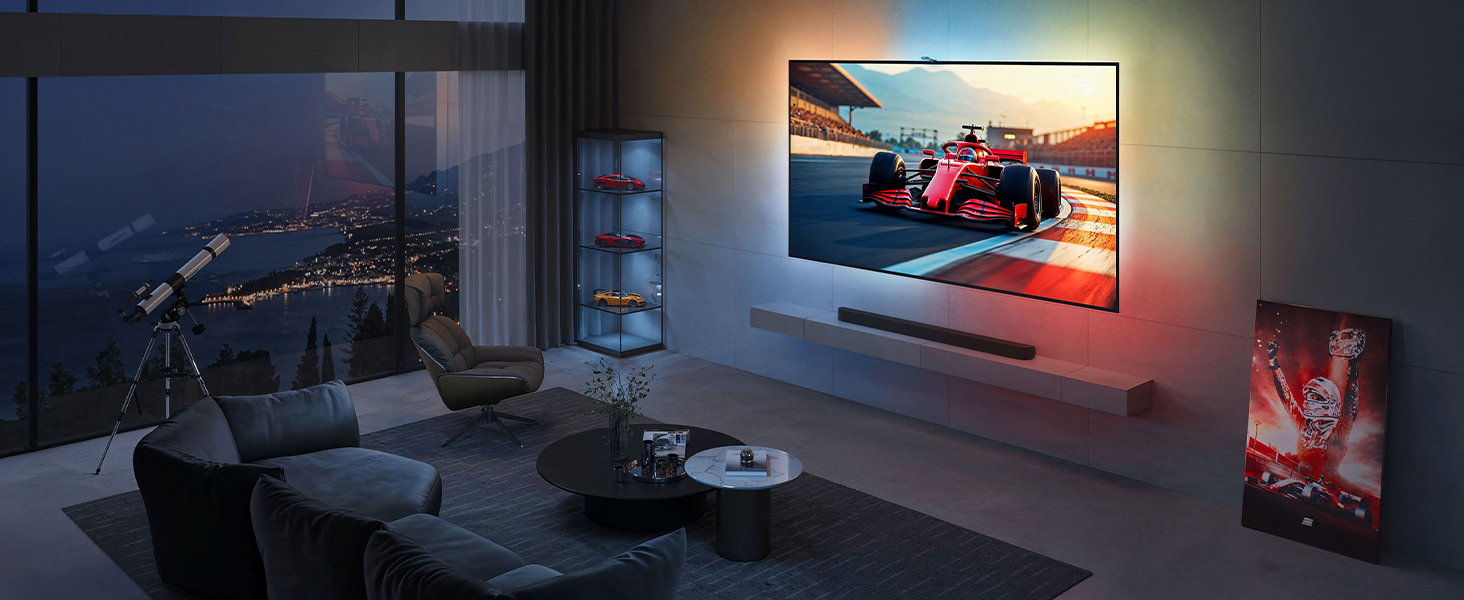


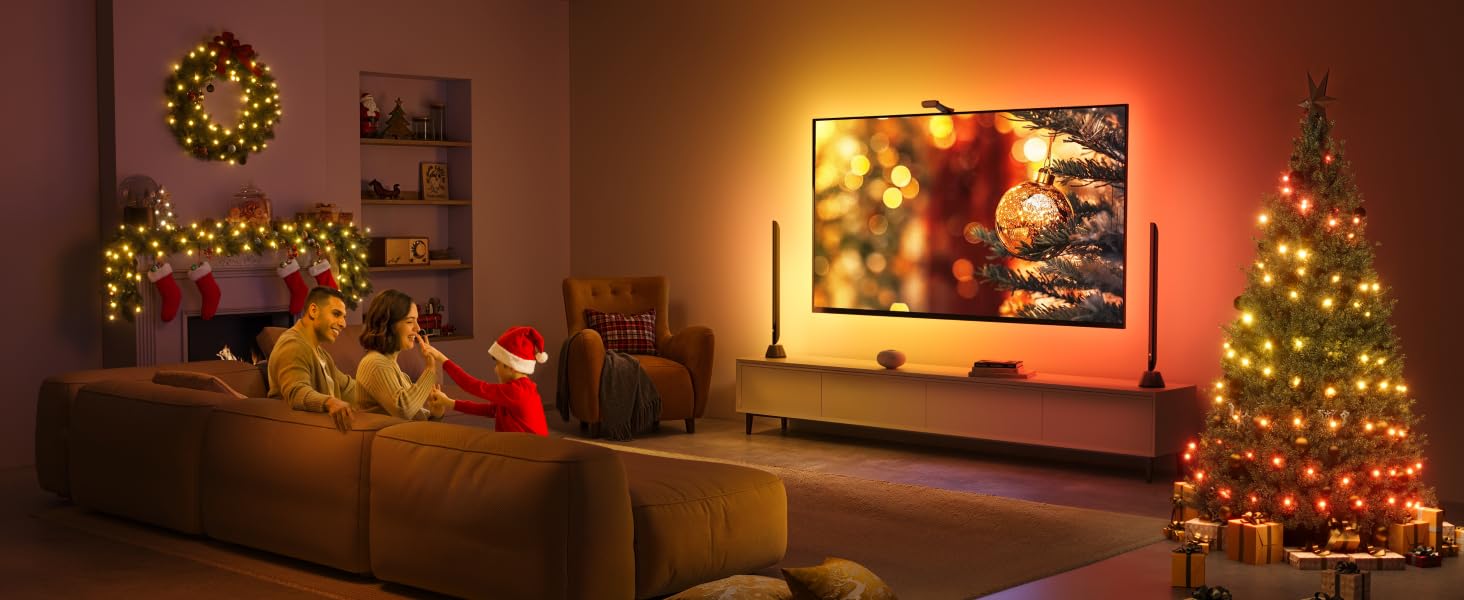
1 Home Entertainment
2 Racing
3 DreamView
4 Movie
5 Gaming
The video showcases the product in use.The video guides you through product setup.The video compares multiple products.The video shows the product being unpacked. Govee TV Backlights Merchant Video
What’s the difference between Govee 3 Lite backlight H6099 and T2 backlight H605C?
H605C is with dual-camera design and double the number of LED beads for improved color-matching performance, and the camera’s gravity-stabilization structure allows for easier installation, including on ultra-thin TVs.
Can other Govee lights sync with this backlight?
This T2 backlight can be set as the main device via the DreamView syncing function in Govee Home App, allowing other Govee non-camera lights to sync with it via Bluetooth for full-room color-matching of on-screen content.
Can the camera be placed at the bottom of the TV?
Unlike T1 backlight (H6199), T2 backlight’s dual camera uses a counterweight system that can only be mounted at the top of the TV.
My color-matching is a little off. How can I improve performance?
Firstly, adjust the saturation and white balance in Govee Home App. Next, make sure there are no other lights interfering with the camera, as bright direct light or on-screen light reflections can affect performance.
Is the camera stable on top of the the TV?
The dual camera uses a counterweight system, and once mounted, it does sit securly on the TV. Optional 3M stickers are included, and these can be placed on the counterweight’s silicone grip for additional attachment strength.
Govee TV LED Backlights for Color-Matching
Add to Cart
Add to Cart
Add to Cart
Add to Cart
Add to Cart
Add to Cart
Customer Reviews
4.5 out of 5 stars 6,205
4.4 out of 5 stars 158
4.5 out of 5 stars 7,899
4.5 out of 5 stars 7,899
4.5 out of 5 stars 7,899
4.5 out of 5 stars 6,205
4.5 out of 5 stars 6,205
Price
$74.99$74.99
$149.99$149.99
$58.99$58.99
$73.99$73.99
$46.99$46.99
$99.99$99.99
$219.99$219.99
Suitable TV Size
55-65 inch
55-65 inch
55-65 inch
75-85 inch
40-50 inch
75-85 inch
98-100 inch
Color-match
Dual-camera
Triple-camera
Camera
Camera
Camera
Dual-camera
Dual-camera
Color
RGBIC & Color-match
RGBIC +W +W & Color-match
RGBIC + W & Color-match
RGBIC + W & Color-match
RGBIC + W & Color-match
RGBIC & Color-match
RGBIC & Color-match
Fish-eye Correction Function
✘
✘
✔
✔
✔
✘
✘
HDR Image Sensor
✘
✔
✘
✘
✘
✘
✘
Ultra-thin TV
✔
✔
✔
✔
✔
✔
✔
Gravity-mechanism Structure
✔
✔
✔
✔
✔
✔
✔
Black Bars Exclusion
✘
✔
✔
✔
✔
✘
✘
Blank Screen Detection
✔
✔
✔
✔
✔
✔
✔
Lamp Beads
60 LEDs/m
75 LEDs/m
30 LEDs/m
30 LEDs/m
30 LEDs/m
60 LEDs/m
60 LEDs/m
Music Modes
4
16
11
11
11
4
4
Connection
Wi-Fi+Bluetooth
Wi-Fi+Bluetooth
Wi-Fi+Bluetooth
Wi-Fi+Bluetooth
Wi-Fi+Bluetooth
Wi-Fi+Bluetooth
Wi-Fi+Bluetooth
Product Dimensions : 5.71 x 3.35 x 6.1 inches; 2.36 Pounds
Item model number : H605C
Date First Available : September 25, 2022
Manufacturer : Govee
ASIN : B0BCQ9YQYW
Customer Reviews: 4.5 4.5 out of 5 stars (6,205) var dpAcrHasRegisteredArcLinkClickAction; P.when(‘A’, ‘ready’).execute(function(A) { if (dpAcrHasRegisteredArcLinkClickAction !== true) { dpAcrHasRegisteredArcLinkClickAction = true; A.declarative( ‘acrLink-click-metrics’, ‘click’, { “allowLinkDefault”: true }, function (event) { if (window.ue) { ue.count(“acrLinkClickCount”, (ue.count(“acrLinkClickCount”) || 0) + 1); } } ); } }); P.when(‘A’, ‘cf’).execute(function(A) { A.declarative(‘acrStarsLink-click-metrics’, ‘click’, { “allowLinkDefault” : true }, function(event){ if(window.ue) { ue.count(“acrStarsLinkWithPopoverClickCount”, (ue.count(“acrStarsLinkWithPopoverClickCount”) || 0) + 1); } }); });
Govee Patented Envisual Technology: Upgraded dual cameras provide more accurate color-matching along the edges. The striking visual effects from your favorite movies extend to the whole room, creating a private home theater and a truly immersive viewing experience.
Unlimited TV Content Compatibility: Govee TV LED backlights adjust in real time to TV content playing on the screen, such as TV shows, sports, and gaming sessions. Govee led lights for TV can create a festive atmosphere for indoor home decorations.
DreamView Light Show: The DreamView feature takes the TV LED lights to new heights of personalization, allowing movie lovers to connect multiple Govee lights together. Watch your entire space be bathed in a stunning array of vibrancy.
Functional App Control: Manage the Govee TV LED backlights with Govee Home App, which helps adjust brightness and color. Diverse modes include Energetic, Rhythm, Spectrum, and Rolling. Enjoy accessing multiple modes, including DIY, Holiday Party Mode, and Music Mode.
Enhanced RGBIC Lighting: With an upgraded 60 LEDs/m and double the light beads, enjoy denser RGBIC light bead distribution for more vivid and natural lighting, which helps enhance immersive movie watching and gaming.
Tips for Better Use: When calibrating, use a mobile phone hotspot or stay closer to the router to load the “calibration screen” faster. Please avoid too strong direct light, which will affect the color-picking effect when watching movies.
9 reviews for Govee Envisual TV LED Backlight T2 with Dual Cameras, 11.8ft RGBIC Wi-Fi LED Strip Lights for 55-65 inch TVs, Double Strip Light Beads, for Home Decorations, Smart App Control, Music Sync
Add a review

$9.99
Matt Lamb –
These lights do EXACTLY what you want them to do! Great product!
These lights are awesome!! They are super easy to set up and they sync up with the colors on the tv very well. I’m actually really impressed by how accurate they mirror what they see on all places of the screen. I will say you may have to play around with the color calibration so that the lights are perfectly matching what they see on the screen but the GOVEE app makes it really easy to do that. Also, when you are setting up the lights on your app make sure you have the “Part” screen button selected and not the “All” screen button selected, this will make it so that the led strip can produce different colors from every side of the tv so it’s matching what it sees. I’ll put a picture below so you can see what I’m talking about. Overall I’d give these a 10 out of 10. Great product and makes movie watching / game playing very satisfying.
VicJim –
Excellent Product!
If you have a high-end TV and don’t have these lights, you don’t know what you’re missing. They enhance the ambiance of your TV screen, the colors are incredibly vibrant, and they were a great price on Amazon. Worth every penny.
Gary M Gettis –
I love Govee products. This one is a must for gamers or movie room!
I love Govee products in general and I’m so glad I finally got the TV backlights. They’re super fun to add to gaming or movies or even TV. TV it’s a little weird but games and movies it’s fun. A ton of functionality and Govee makes their products very intuitive to setup and use. The light are bright and saturated but also adjustable. Like all their stuff these are highly customizable. They connected right away and the setup was as easy as the rest of their stuff. The only issue I have (which many do) is that the adhesive isn’t great around the corners of the TV if the strips are slightly too long and the power center fell off the back of the TV eventually. I just added a little gorilla brand sticky tack stuff to it and it’s fine.Also quick tip – if you have a colored wall behind your TV get yourself white or black 3d panels to stick on the wall where the lights shine and it reflects/refracts the light all over and you’ll see the colors way better!
Mike –
Great backlight option!
So this is going to be kind of a long explanation, so the short review is yes it works great and it is everything promised. I would absolutely recommend.Here is my experience with govee backlights.Govee sync box:I first tried the govee sync box because I liked the idea of plug and play, meaning no calibration. The sync box is definitely far more accurate and has much better color change response time. However it only works when you plug something (Roku, Apple tv, PC, whatever) into it. So it does not work with native smart tv apps. That wasn’t my problem though, my problem was that I have a lot of money invested into a high end TV with high end PC and the sync box just couldn’t keep up at 60 fps. My setup kept crashing the sync box. There are work arounds online, but it gets really expensive really fast. I also didn’t like that I had to control everything with the govee box, meaning to turn things on and off or switch from device to device I had to ether get on my phone or get up and go press button on the box.Govee T2:So I did more research and decided to give the T2 a shot. It does require calibration which can be a bit of a pain until you figure out what your doing. However the response time is pretty impressive for camera and it works with literally any content at any speed. It looks great especially when I added a couple other govee light via dream view. My only complaint and reason for 4 ⭐ is that with the camera on top of the TV there was about a 1.5-2 foot spot behind the camera that it couldn’t see so the colors were off a bit. I’m assuming it uses some sort of predictive algorithm to determine color in this area. Govee does not offer a bottom mounting option, but I went online and found a way to do it anyway. Now the camera sits in front the the TV’s base where I can’t see the lights anyway and it now looks amazing!New Govee back light 3 option:I did just see after getting it just the way I like it that govee just released the backlight 3 “light”. From what I’ve read the T2 is (debatably) still the better option, however if they come out with the back light 3 pro, I may upgrade because it has a couple new features im definitely interested in. So if your not in a hurry do a little research into the govee backlight 3 and see if it’s something your interested in. If you want something now the T2 is absolutely a solid option!
Omar.Abushanab –
Great product and arrived very quick
Steve Zarkovic –
The springs a whole new dynamic to your TV experience whether your watching videos, television, movies or video games. It helps you feel like you’re more part of what’s going on on the screen. I have it accompanied on each side by Govee Lyra lamps configured with it, and also a set of their Hex lights off my back left, and two sets of their Y lights off to my back rear that I only sync when watching movies or playing PS 5, otherwise they are colour patterns etc. With almost 20 various Govee lighting covering almost every single one of their products in my one Mediaroom/man cave alone it is absolutely incredible how it can transform a room from soothing, to cool, to party mode, and it’s also easily programmable in their app which of surprisingly heard people complain about although it is as simple as an app can be, so I’m always puzzled by that one complaint that comes up from time to time.You have to buy this unit, and I have a blue wall behind my TV which is not helping the colour accuracy so I should probably paint it but it’s still produces some pretty darn accurate colours and is superior to the Phillips version which uses HDMI as you can’t take advantage of smart TV functions with their technology unless you’re using a separate box like Apple TV etc. of which I do have, but I prefer the Govee ecosystem as it much more affordable and just as good quality. They are the new kings in town taking over the home lighting industry, especially their permanent outdoor lighting which I have yet to get into, but I will. It’s just that my house is so large that it will cost a small fortune as I like to go all out when I do things.Trust me just buy this T2 set up, set up the left side of the screen first then complete, then go back and set up the right side of the screen and complete it is the simplest way IMO to get the best coverage of your screen for the dual camera.I have an 85 inch TV, and the kit I got is for 75 to 85 inches meaning I don’t have as many LEDs as would be preferred, but there are 60 LEDs per metre which is a heck of a lot and they are bright and the best quality I have ever seen. I’ve had many LEDs in my life working in the theatre industry for 30 years so I’ve seen my fair share of various technologies And you will be taking videos and pictures and bragging to your friends about this kit. It also has game mode which makes it super responsive which I would only recommend for when you’re actually playing games otherwise it’s too sensitive.The coolness factor is off the charts and you get used to it pretty quick, I could not imagine a TV without this backlight system, you simply could not rip it out of my hands. I got it on sale for 179, and then it had another $40 clip and save coupon I believe, so they constantly go on sale keep an eye out for that, don’t pay regular price, and it is sold and shipped by Govee so you have full support by them who don’t charge PST by the way… 😉
Miguel –
Como consejo: la calibración es con la TV apagada. Ojo por que por ningún lado lo comentan. De ahí para allá todo perfecto 🤌🏽✨ llego al día siguiente. La instalación física es fácil, los materiales de calidad!
Mauricio Chávez –
Compre estas luces con un poco de temor porque algunas reseñas son muy buenas y otras no lo son tanto y hablan de que es difícil de configurar. Incluso me anime por esta versión aun siendo mas elevado su precio contra otra de la misma marca pero mas barata suponiendo que en esta al ser versión mas actual se corrigieran esas dificultades. la compre para una pantalla de 55″ y le queda perfecto, antes de empezar a pegar medí el tamaño de las tiras contra mi pantalla y las tuve que pegar muy cerca de las orillas para que no me quedaran grandes. trae todo lo necesario para su instalación y un par de instructivos uno de inicio rápido y otro mas detallados y los dos con códigos QR que te llevan a un video para la instalación.la instalación es sencilla, se debe de limpiar donde se va a pegar las tiras, incluye las toallitas con alcohol para que quede mejor. Las cintas ya están armadas y dentro de un despachador que facilita y mucho pegarlas. la cámara solo va sobre puesta sobre la pantalla con una forma muy bien pensada y no tiene dificultad y por ultimo el modulo central que trae adhesivo doble cara y solo se pega por detrás y se conecta la tiras led y la camara con sus cables usb c. sin dificultad se conecta al celular por bluetoth y después a wifi.Donde mas me atore en en la configuración por que te indica el manual y el video pegar 8 almohadillas de color naranja (incluidas) e indicarla a la cámara manualmente donde están los puntos,. lo intente 2 veces y no me gusto el resultado pero en youtube escribí la marca y modelo y encontré un video que simula poner las almohadillas en la pantalla y mientras trascurre el video hice nuevamente una configuración y en automático me tomo las almohadillas y el resultado fue genial. solo se debe de calibra la calidez de los blancos como explica el manual y eso se hace en la aplicación desde el celular. lo que note es que los colores blancos en la pantalla los reproducía muy rojos/naranja (calido) y baje la calidez de la luz al lado mas azul y listo.tiene muchas, pero deberás MUCHAS opciones de iluminación y de programación. se pueden establecer horarios, rutinas, emparejar con Google home. me pase 2 horas probando diferentes configuraciones y no termine. solo y lo tengo que mencionar es que vi comentarios de personas que se quejan del retardo al reflejar los colores. es definitivo que si existe pero es muy breve, hablo de fracciones de segundo y considerando que los colores los reproduce después de que la cámara los registra es muy comprensible y solamente es perceptible si es que te estas concentrado en eso. Nadie mas de mi familia lo nota.Por ultimo se ve muy bien ya configurada
Grumpy Shopper –
Easy to install following the instructions. Recommend watching a couple of videos on YouTube to pick up little tips around installation and calibration to make things easier and improve the experience.As an example, I discovered before I installed mine if the lights are installed on the very outer edges of the back of the TV you might be able to see the actual LEDs when you are sitting to the far left or right of the TV while watching a show. I mounted mine roughly 10mm in from the edges, but the back of my TV is completely flat from edge to edge. If your TV has beveled/angled outer edges you might need to experiment before sticking them down.The instructions also direct you to calibrate the system for your individual TV which I highly recommend. Out of the box the lights are set to “vivid” which was initially spectacular, but I discovered it was a bit too intense for movies. although probably perfect for gaming. Using the Govee app on a tablet I changed the setting to “smooth” with a bit of additional calibration which has improved the experience for us.So, what’s it like. Fantastic. With the addition of a new Atmos sound system I bought recently I was watching a show where the onscreen characters were inside a creepy old house while a storm was raging outside. Between the rumbling of the sound system and the Govee lights flashing in sync with the lightning on the screen I felt like I was in an actual storm. Overall, the LEDs are very responsive to the action on the screen with some very minor delays which are not noticeable unless you are looking for them. Afterall the lights are meant to be in your peripherals given you are watching the screen, not the wall. If you like to be immersed in your movies and not just watching them this is definitely a good addition to your home theatre.